
Categories
ResourcesPublished May 7, 2026
How To Remove Your Home Photos From Zillow, Redfin, Realtor.com, and Google Maps

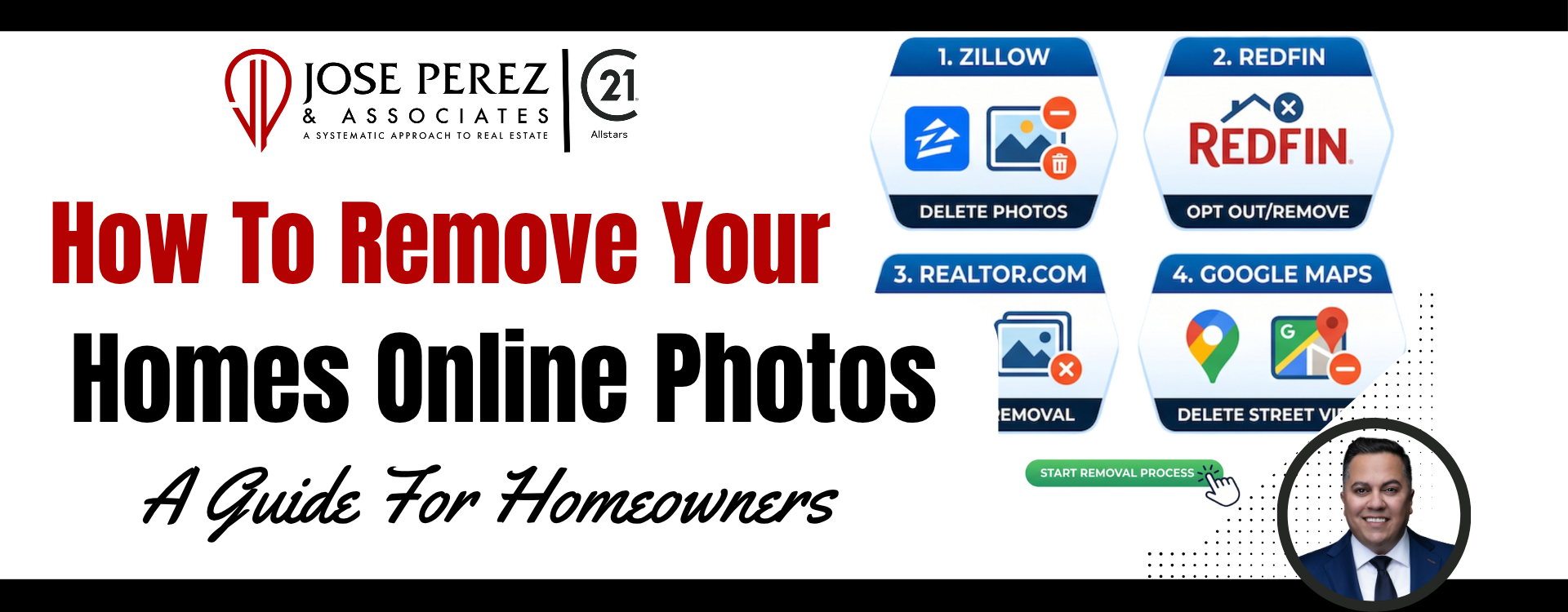
How To Remove Your Home Photos From Zillow, Redfin, Realtor.com, and Google Maps
If you’ve searched for how to remove your home photos online, you’re not alone.
Many homeowners in Whittier and throughout Southern California are surprised to find interior photos of their home still visible online years after selling their property. Others simply want more privacy and don’t want strangers viewing photos of their kitchen, bedrooms, backyard, or floor plan.
The good news is you can usually remove or hide these photos from major real estate websites like Zillow, Redfin, and Realtor.com. You can also request that Google blur your home on Street View.
If you’re looking for trusted guidance from experienced real estate agents in Whittier, CA, here’s exactly how the process works.
Why Are My Home Photos Still Online?
When a home is listed for sale, the listing photos are uploaded into the local MLS (Multiple Listing Service). From there, third-party websites pull the information automatically.
That includes:
- Zillow
- Redfin
- Realtor.com
- Homes.com
- Google search results
Even after the home sells, those photos often stay online indefinitely unless someone requests removal.
How To Remove Photos From Zillow
Zillow gives homeowners the option to hide listing photos once ownership is verified.
Step 1: Claim Your Home
- Go to Zillow.com
- Search your property address
- Select your home
- Click “More”
- Choose “Verify your ownership”
You’ll need to create a Zillow account and complete the verification process.
Step 2: Access Your Owner Dashboard
Once verified:
- Open your Owner Dashboard
- Select your property
- Click “Edit Facts”
From there, you can hide or remove listing photos.
Important Zillow Tip
Sometimes Zillow caches old photos for a short period. Even after removal, it may take several days for updates to appear publicly.
How To Remove Photos From Redfin
Redfin also allows homeowners to hide listing photos after claiming the property.
Step 1: Claim Ownership
- Visit Redfin.com
- Log into your account
- Go to “My Homes”
- Search and claim your property
Step 2: Hide Listing Photos
Inside the Owner Dashboard:
- Click “Edit Photos”
- Check the option:
“Hide listing photos”
This removes the images from public view.
How To Remove Photos From Realtor.com
Realtor.com has a similar process.
Step 1: Claim Your Property
- Visit realtor.com/myhome
- Enter your address
- Verify ownership
Step 2: Remove Photos
Once verified:
- Access the owner tools
- Locate the photo settings
- Select “Remove Photos”
What If the Photos Won’t Come Down?
Sometimes the images remain online even after completing these steps.
That usually happens because:
- The MLS still syndicates the photos
- Third-party sites cached the images
- Another portal copied the listing
If that happens, contact the original listing agent directly.
Ask them to:
“Redact the listing photos from being shared with third-party websites.”
That wording matters.
Some MLS systems cannot fully delete photos, but they can stop distribution to outside sites.
How Long Does It Take?
Most updates happen within:
- 24 hours to 7 days
Google search results may take longer because search engines cache images.
How To Blur Your Home on Google Maps
If you want additional privacy, Google allows homeowners to blur their house on Street View permanently.
Here’s How:
- Open Google Maps
- Enter your home address
- Drag the Street View icon onto your street
- Find your home
- Click “Report a Problem” in the bottom-right corner
- Request that your home be blurred
Important Google Maps Warning
The blur is permanent.
Once Google blurs the image:
- It cannot be reversed
- Future Street View updates remain blurred
Make sure you truly want the change before submitting the request.
Why Homeowners Remove Photos
Most people remove listing photos for privacy reasons.
Common concerns include:
- Interior layouts being publicly visible
- Security concerns
- Family privacy
- Photos showing valuables
- Old photos no longer representing the property
This is especially common with:
- Luxury homes
- Probate properties
- Vacant homes
- Homes with children
Frequently Asked Questions
Can I remove sold listing photos myself?
Yes. In most cases, you can claim ownership and hide photos directly through the portal’s owner dashboard.
Can old listing photos be completely deleted?
Sometimes. It depends on the MLS and whether the images were syndicated to other websites before removal.
Why are my photos still showing on Google?
Google may cache old search results temporarily. It can take time for search engines to refresh.
Can I remove my home from Zillow completely?
No. Public property records still appear online, but you can usually hide interior photos and update owner information.
Bottom Line
If your home photos are still online, you’re not stuck with them.
Most major real estate websites now allow homeowners to:
- Claim ownership
- Hide listing photos
- Limit public visibility
And if you need additional help navigating the process, working with experienced real estate agents in Whittier, CA can save you time and frustration.
If you have questions about your home’s online presence, property privacy, or preparing your home for sale in Whittier, feel free to reach out.
or another way